
AI video remaster
How to remaster video with AI
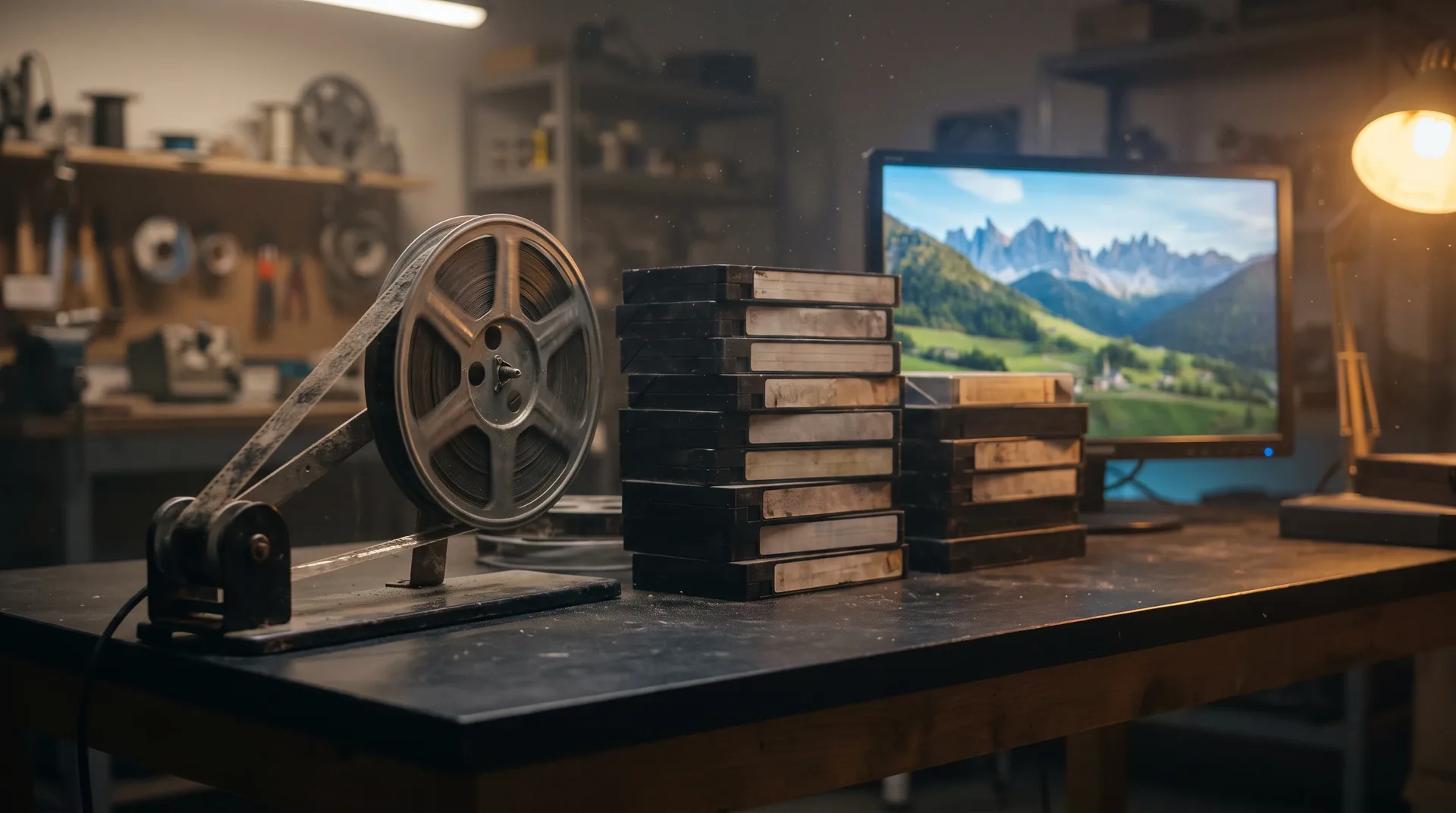
Old, soft or grainy footage? Family tapes, VHS and low-res clips become sharp, clean video you can keep.
Result of step three
Drag to see the remaster.
Slide the line across the frame. The soft, noisy source sits on one side, the rebuilt Frameo version on the other.

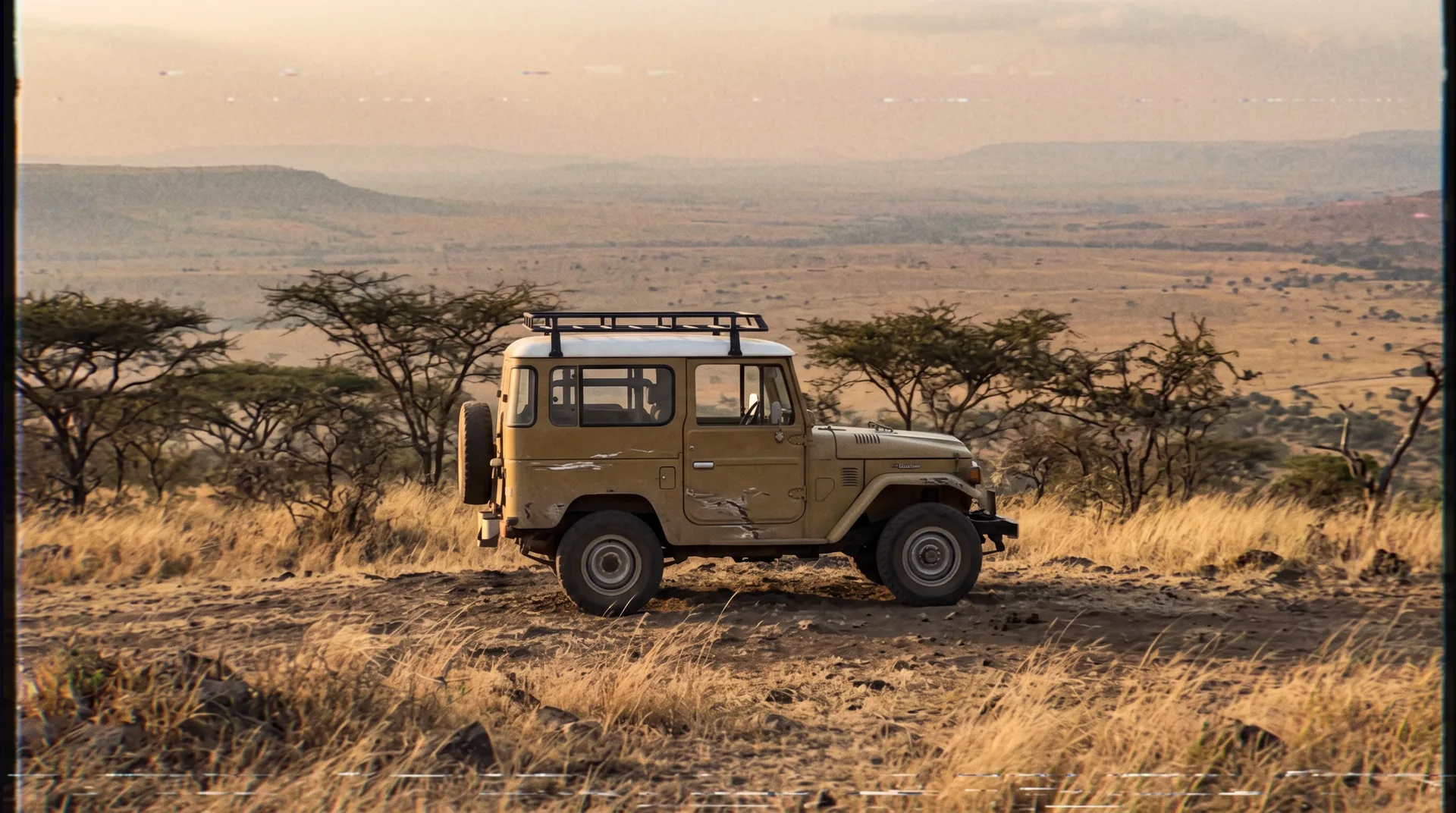
What changed: detail, color, noise. A vintage 4x4 on a savanna ridge, before and after AI video remaster.
AI video remaster steps
Remaster old video in four steps.
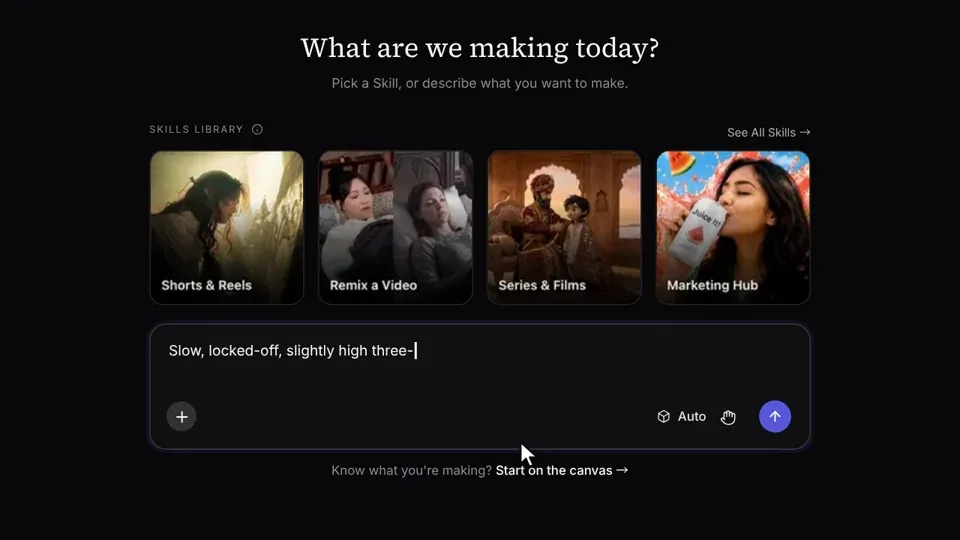
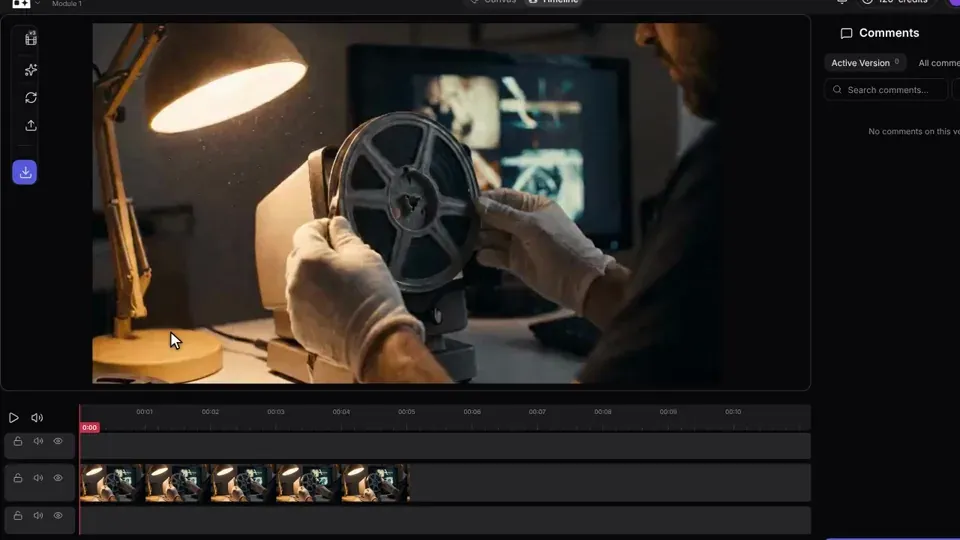
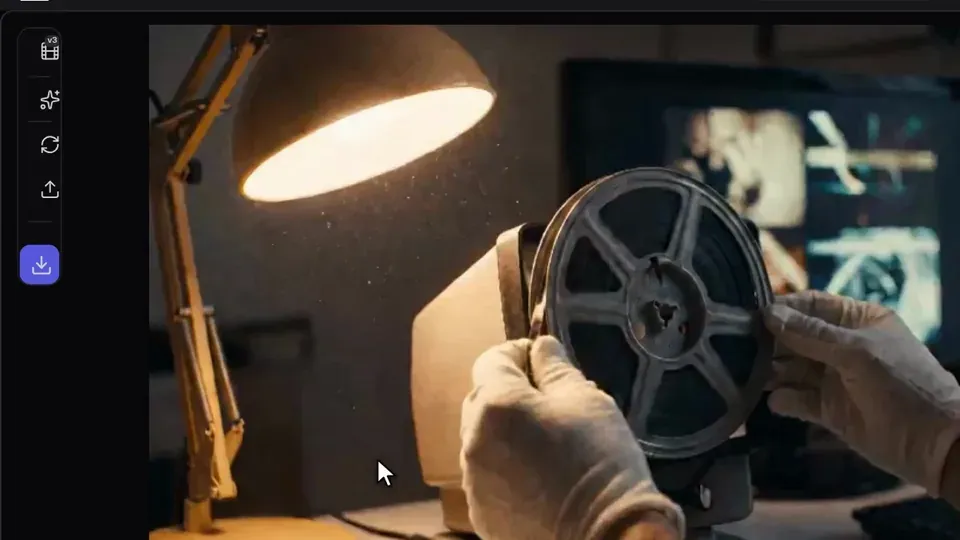
1. Upload the old clip
Add the tape, reel or low-res file you want to restore.
Bench log
What goes in a remaster prompt
- Say the source: VHS, 16mm or a phone clip
- Name the target: 1080p or 4K
- Choose the grain: keep it or clean it
- Ask for color: faded back to natural
- Steady the shake, keep the framing
Remaster examples
AI video remaster results, with the prompts.
Candid 1990s family birthday in a warm wood-paneled living room: a laughing couple stands beside a table with a plain white frosted cake with lit candles. Soft lamplight, faded warm VHS color. Natural faces and hands, sharp focus, no bottles, no labels, no text, no logos.
Copy promptA cinematic 16mm film shot of a small wooden sailboat on calm grey-blue sea at dawn, dust specks and scratches fading away as the picture turns clean, fine natural grain staying. Fast snap push-in toward the boat, soft cool dawn light, muted teal palette, no text, a 5-second vertical clip
Copy promptA split before-and-after comparison of one frame from an early-2000s phone video: the left half is a grainy, low-resolution, blurry shot of a smiling person in a park, the right half is the same scene clean, sharp 1080p with crisp face detail. No text, no logos.
Copy prompt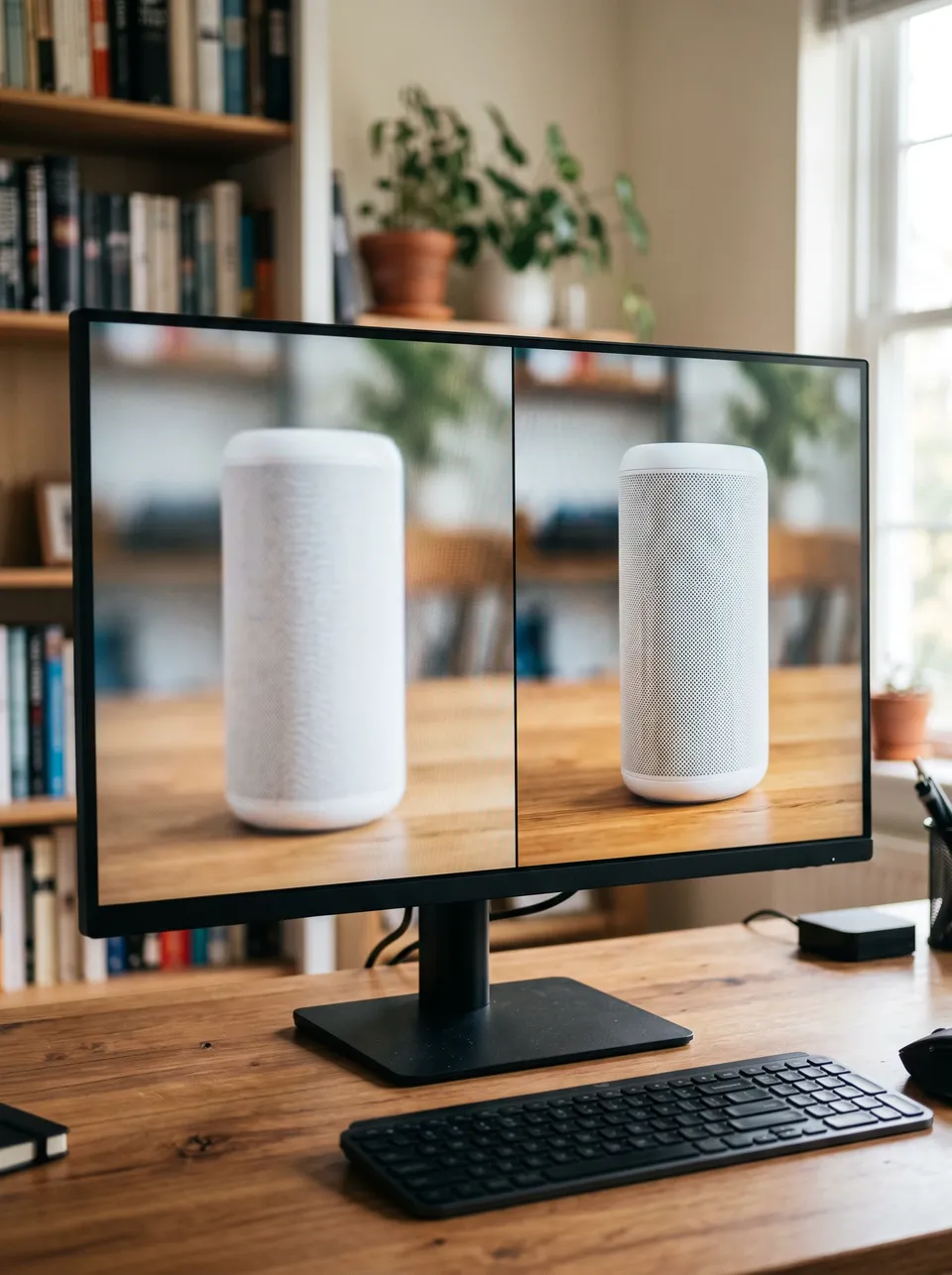 Nano Banana 2
A monitor on a desk showing a before-and-after split of a product demo video: the left half soft, blurry and low-resolution with muted colors, the right half sharp, crisp and vividly colored. Unbranded plain product, no text, no logos.
Copy promptQuestions about AI video remaster
What footage can be remastered?
AI video remaster is a way to restore old footage: it rebuilds detail, color and clarity at a higher resolution. It works on VHS family tapes, 16mm film scans, early phone clips and old product demos.
Will it keep the original look?
Yes, if you say so. Ask to keep the grain and the warm color in your prompt, and Frameo sharpens the picture without turning it into something new.
What is the maximum resolution?
Prompts can target up to 4K. The options for your clip are shown before you render, so you pick the one that fits the source.
How long does it take?
It depends on the length of your clip. The exact cost of a render is shown before you start it.
Do faces stay accurate?
Faces are rebuilt from your footage, so check them in the compare step and run it again if one drifts. Nobody can promise a perfect match, and anyone who does is guessing.
Your turn
Remaster your footage now.
Describe the tape, reel or clip and what you want back. Frameo opens with your words filled in.