
Veo 3 with sound
Veo 3 video generator with sound
Dialogue, ambience and score in one pass. Type the shot, hear it back.
Veo 3 with sound
One take. Picture and sound together.
Veo 3 adds the spoken line, timed to the lips.
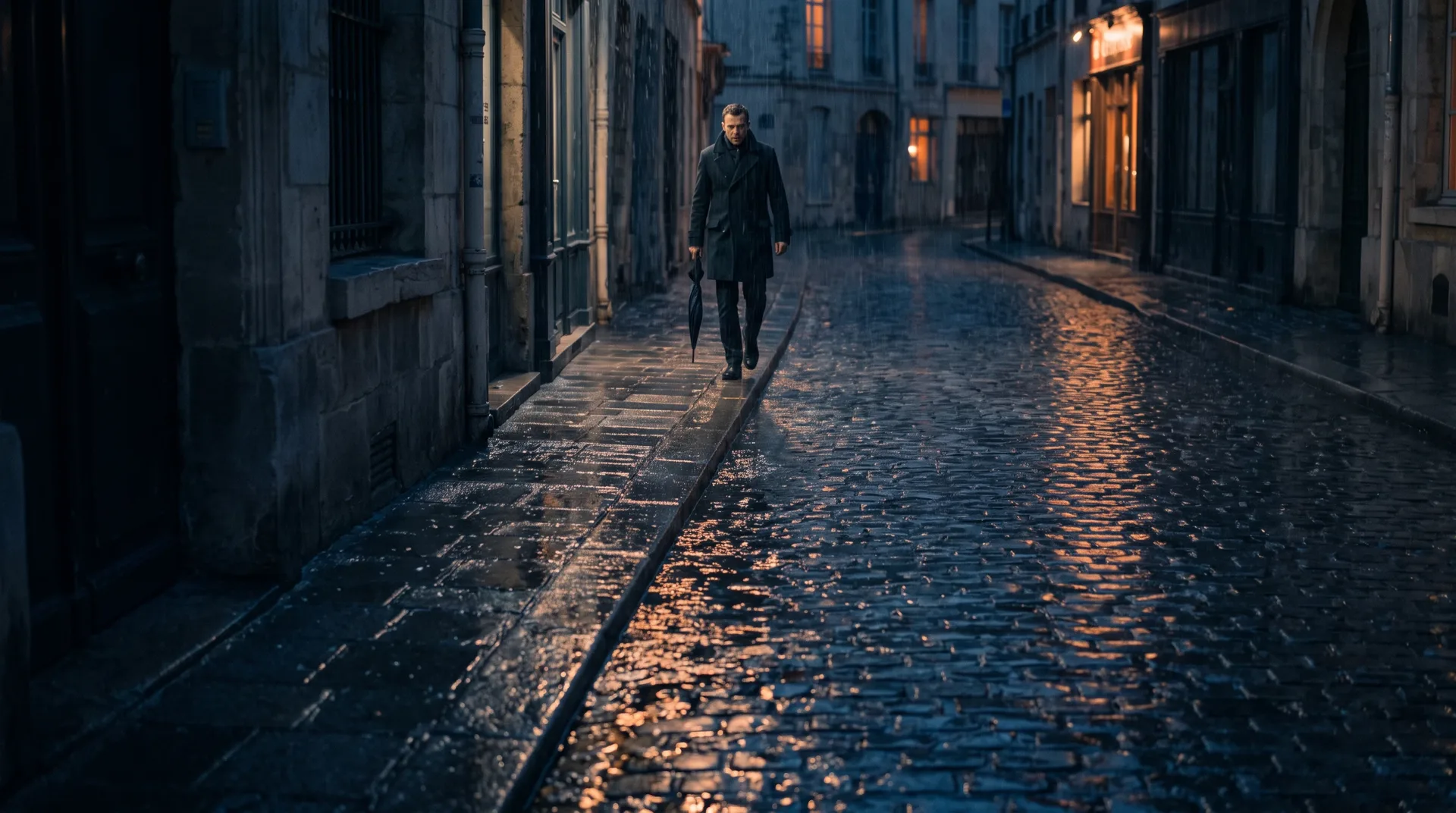
Veo 3 adds footsteps and rain, matched to the shot.
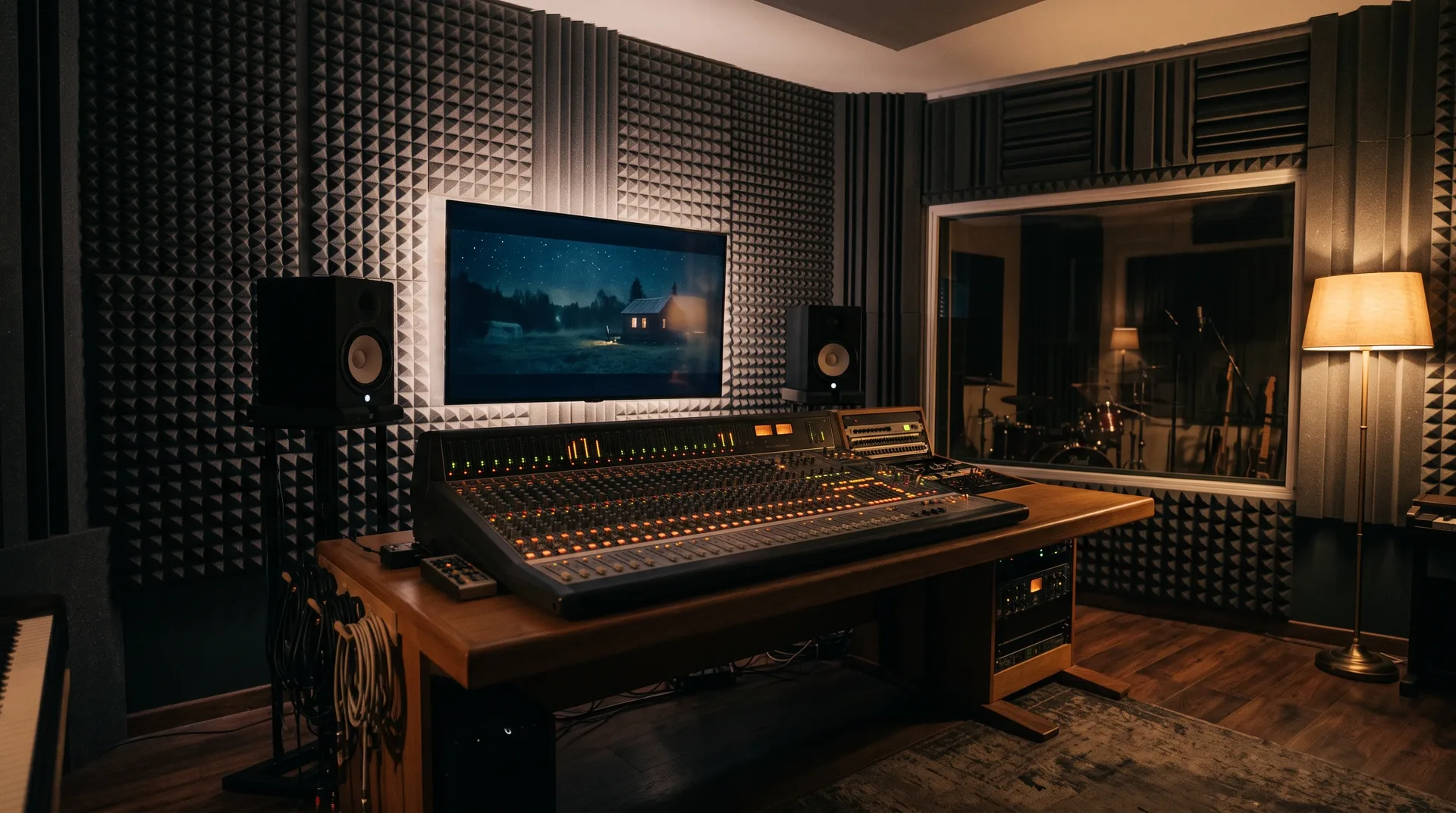
Veo 3 adds room tone, so the space sounds real.
Veo 3 prompts that work
Veo 3 results, with the exact prompt.
A single frame of a bearded podcast host with curly dark hair in a grey hoodie, seated at a wooden desk facing the camera, mouth slightly open as if speaking. Boom-arm microphone, warm lamp, dark acoustic-panel room. Photorealistic, no text, no captions, no logos.
Copy promptMacro glide quickly along a glass perfume bottle with a faceted stopper on glossy black, amber light sweeping across the glass edges, soft glass clink, a low hum, tiny glints moving, extreme close-up, 100mm macro lens, dark moody commercial style, no text, no label, 5-second 3:4 clip.
Copy promptDolly out across a white salt flat at dawn, a lone walker in a long tan coat approaching steadily, steady wind, crunching steps, pale pink and blue sky, cracked salt polygons underfoot, low sun from behind, wide shot, 24mm lens, calm cinematic photoreal, no text, 5-second 3:4 clip.
Copy promptRainy night in a narrow city alley, a reporter in a wet jacket holds a microphone toward a passer-by under an umbrella, both fully in frame. Wet pavement reflecting pink and teal glow, blurred plain light panels with no text or logos.
Copy promptVeo 3 prompt guide
What to put in a Veo 3 prompt.
- Subject: who or what is on screen
- Camera move: one move, named plainly
- Spoken line in quotes
- Ambient sound: rain, wind, room tone
- Length: keep the take short
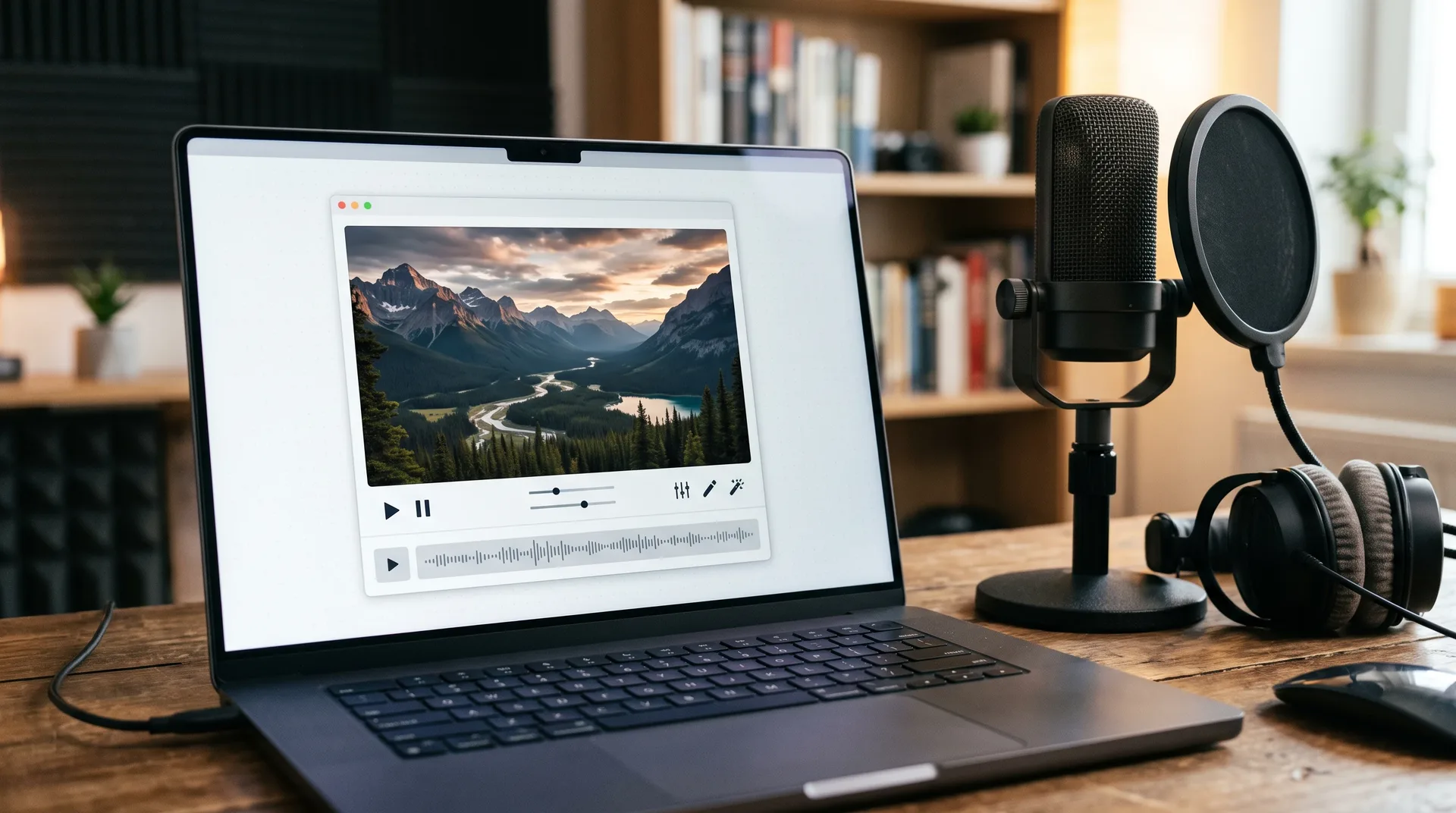
Veo 3 your way
Veo 3 on your own, or in Frameo.
Same model family idea, different workday. See what changes from first prompt to shared take.
| Compared | On your own | In Frameo |
|---|---|---|
| Setup | Find a way in and manage access yourself. | Open the canvas and type. |
| Prompt help | Write each prompt alone. | Manto, the agent, helps shape the shot. |
| Sound | Judge it clip by clip. | Dialogue, ambience and score planned in the prompt. |
| Ratios | Re-render for each shape. | Switch between 9:16 and 16:9. |
| Editing after | Export, then open another tool. | Trim and assemble on the same canvas. |
| Sharing | Move files around by hand. | Keep every take in one workspace. |
Veo 3 questions
Veo 3 is Google's AI video model: it makes short clips with speech, effects and ambience from a text prompt. In Frameo you use it from the canvas, next to the other frontier models.
Yes. Put the spoken line in quotes and name the ambient sound you want, such as rain, room tone or footsteps.
Clips are short, about eight seconds each. The exact cost of a render is shown before you start it.
See plansName the subject, one camera move, the line in quotes and the sound. Then refine the take on the canvas until it lands.
Make your take
Your Veo 3 shot is one prompt away.
Type the scene and the sound. Frameo opens with it filled in.