
Create AI videos from one typed idea.
Type an idea or add a picture and Frameo makes the video. The exact cost of a render is shown before you start it.
Create AI clips people actually post.
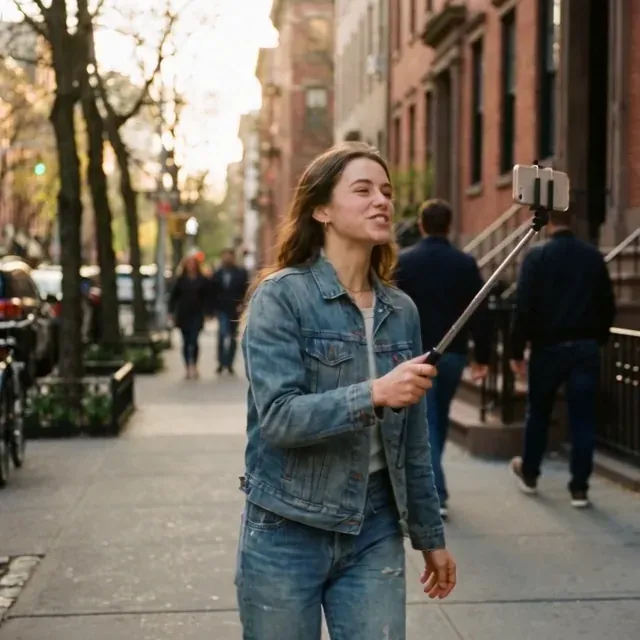
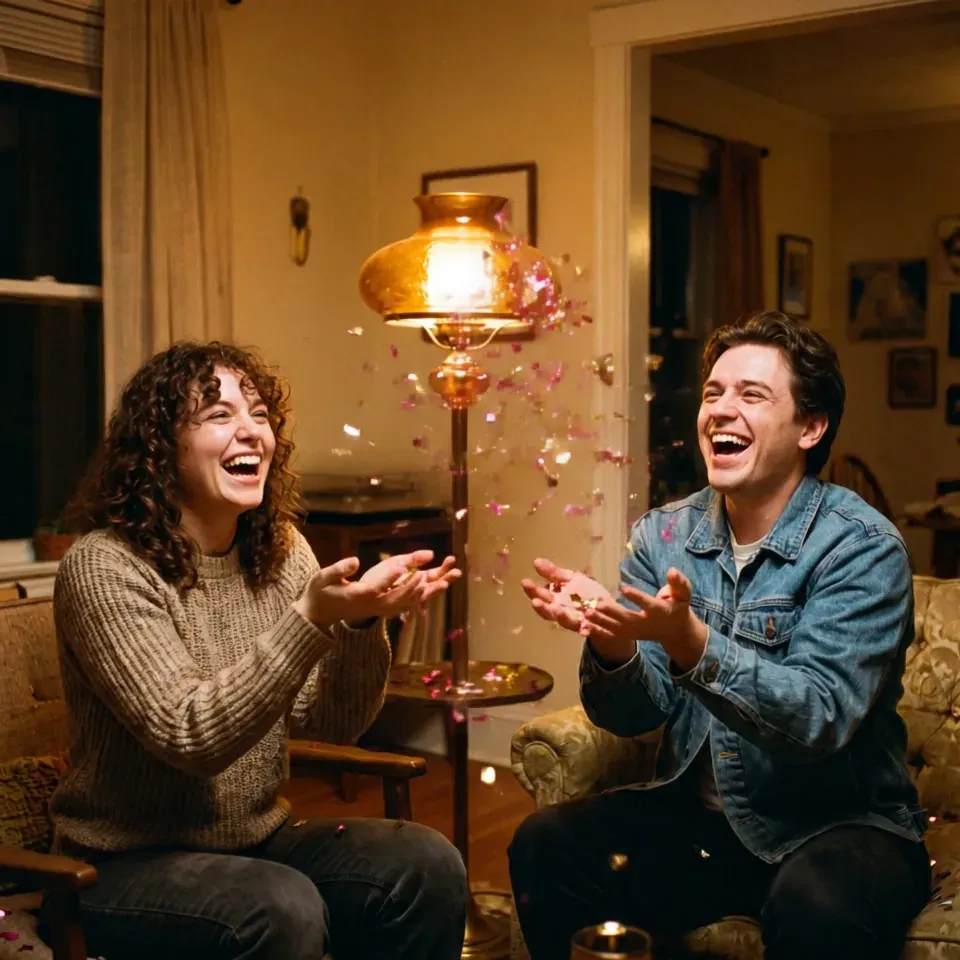
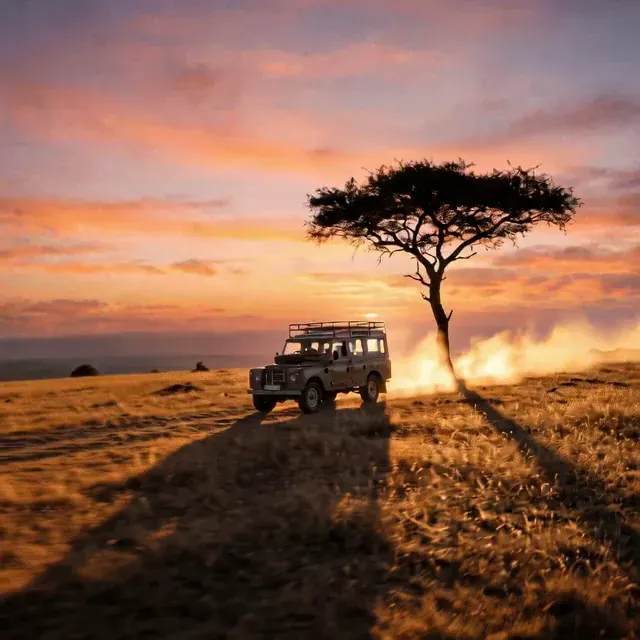
AI video making
What one prompt puts on the roll.
01Text to video: type a scene, get a clip
02Image to video: bring a photo to life
03Ratios: 9:16, 16:9 or 1:1
04Styles: cinematic, cartoon, watercolor and more
05Download your clip when it is done
FRAMEO 01 TEXT TO VIDEO · 02 IMAGE TO VIDEO · 03 RATIOS · 04 STYLES · 05 DOWNLOAD
Style words
Same shot. Any look you type.
One paper boat, one puddle. Add a style word to your prompt and the whole shot changes.
PromptA paper boat drifts across a rain puddle, soft ripples spreading around it, cinematic style, moody light, shallow depth of field
Prompt and result
Real outputs, with the prompt behind them.
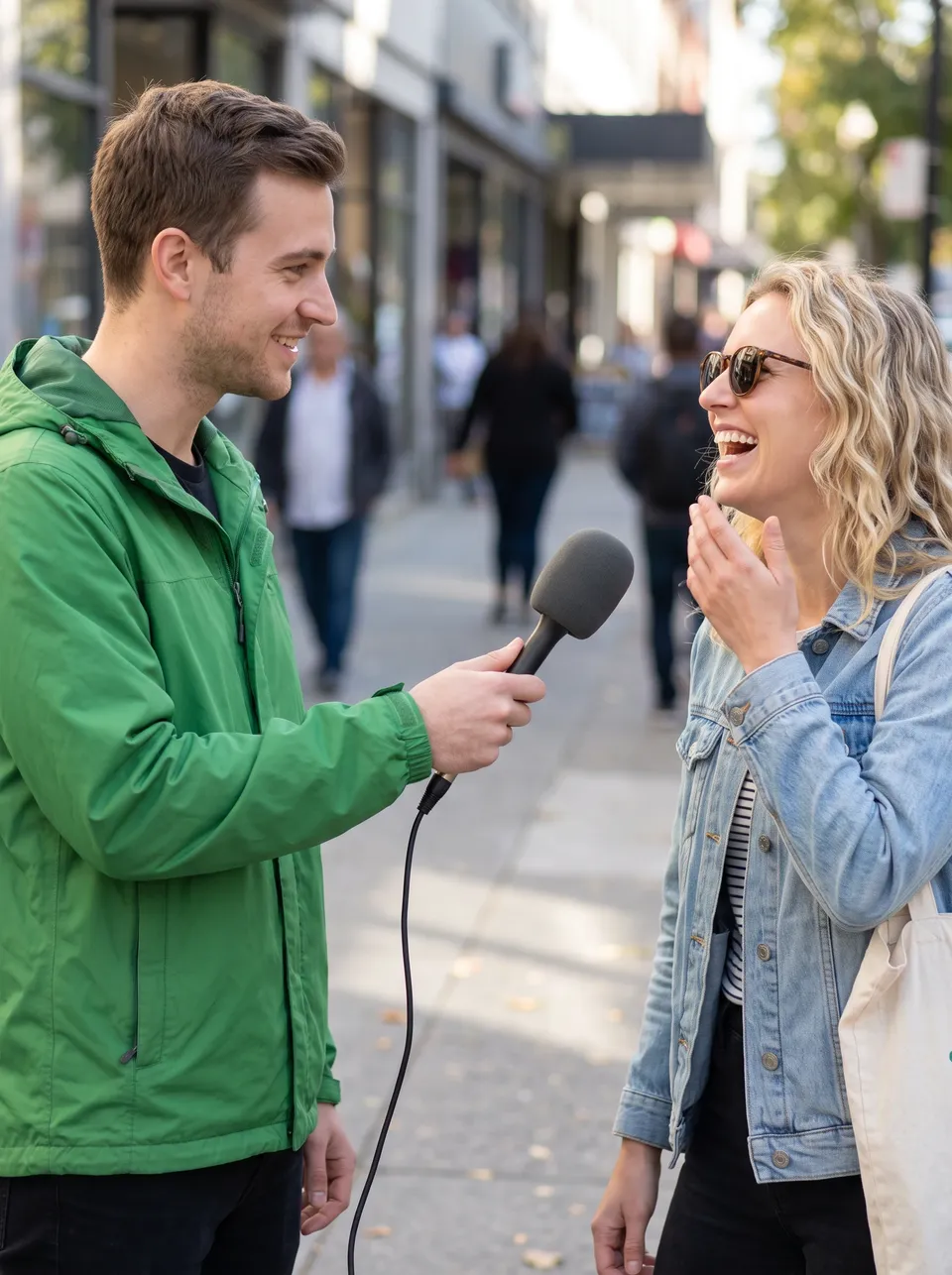 Nano Banana 2
Medium shot at eye level of a street interviewer in a green jacket holding a plain foam microphone toward a laughing passer-by on a sunny sidewalk, natural candid conversation, bright clean daylight, crisp digital look, static camera, a 6-second 3:4 clip, no text or logos
Copy prompt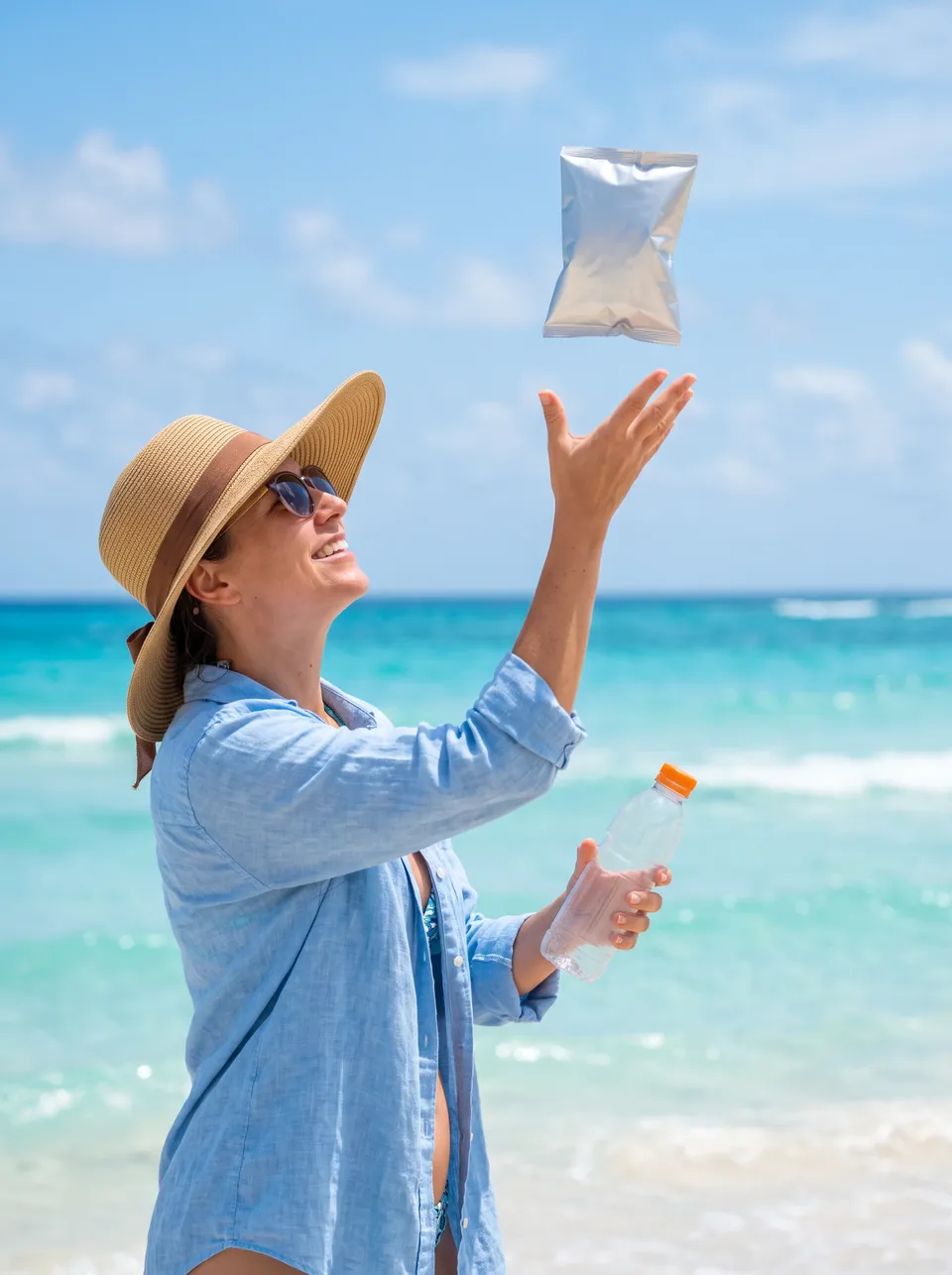 Nano Banana 2
Cowboy shot of a woman in a sun hat on a sunny beach tossing a snack pack and then a drink bottle up and catching them, UGC phone-video style, slight handheld sway, bright midday sun, turquoise sea behind, plain packaging without logos, a 6-second 3:4 clip, no text
Copy prompt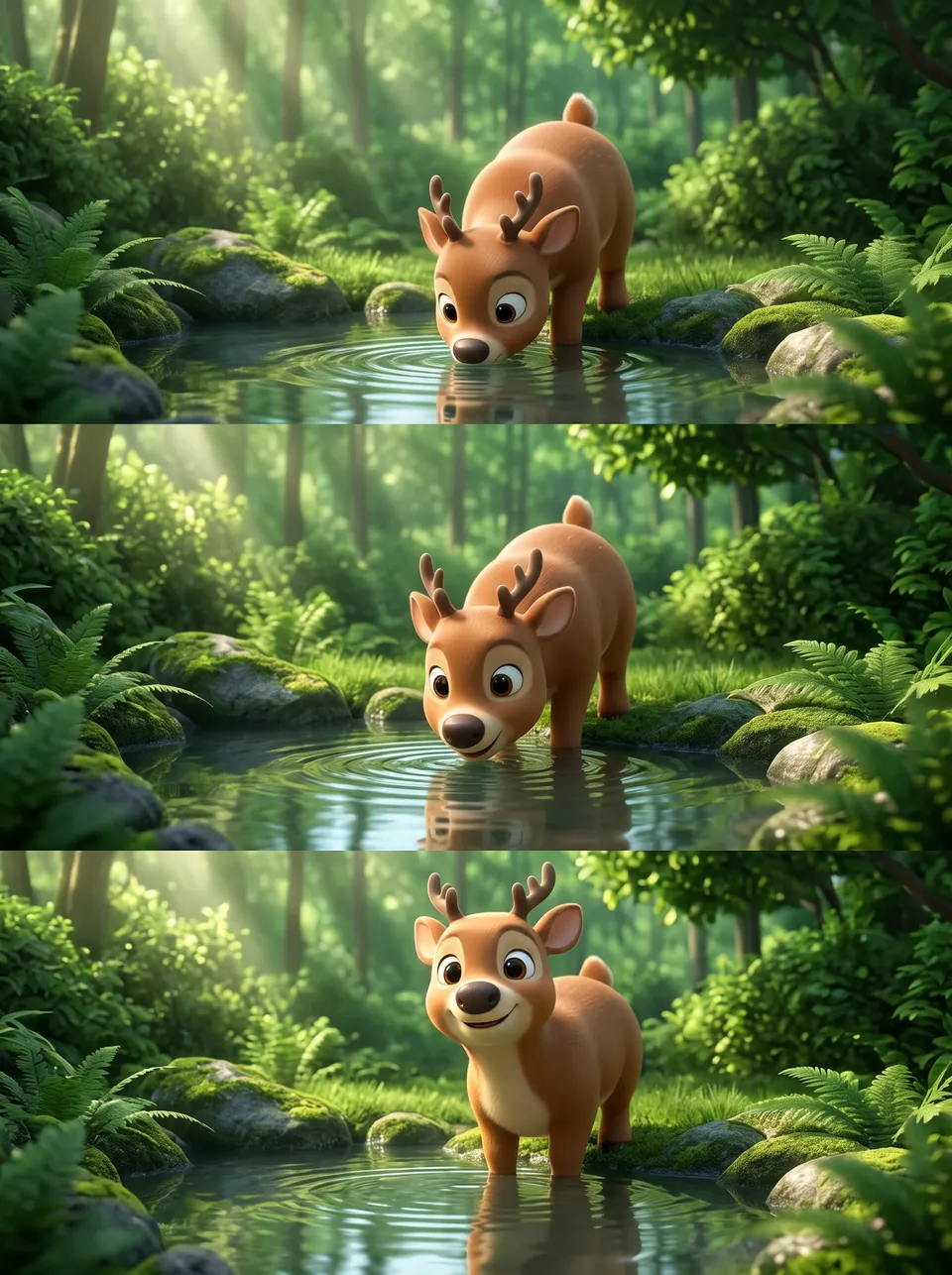 Nano Banana 2
Eye-level angle on a chunky 3D cartoon deer with big eyes drinking at a calm forest pond, then lifting its head and smiling at the camera, soft dappled morning light, lush green palette, glossy animated-film look, gentle ripples, a 6-second 3:4 clip, no text
Copy prompt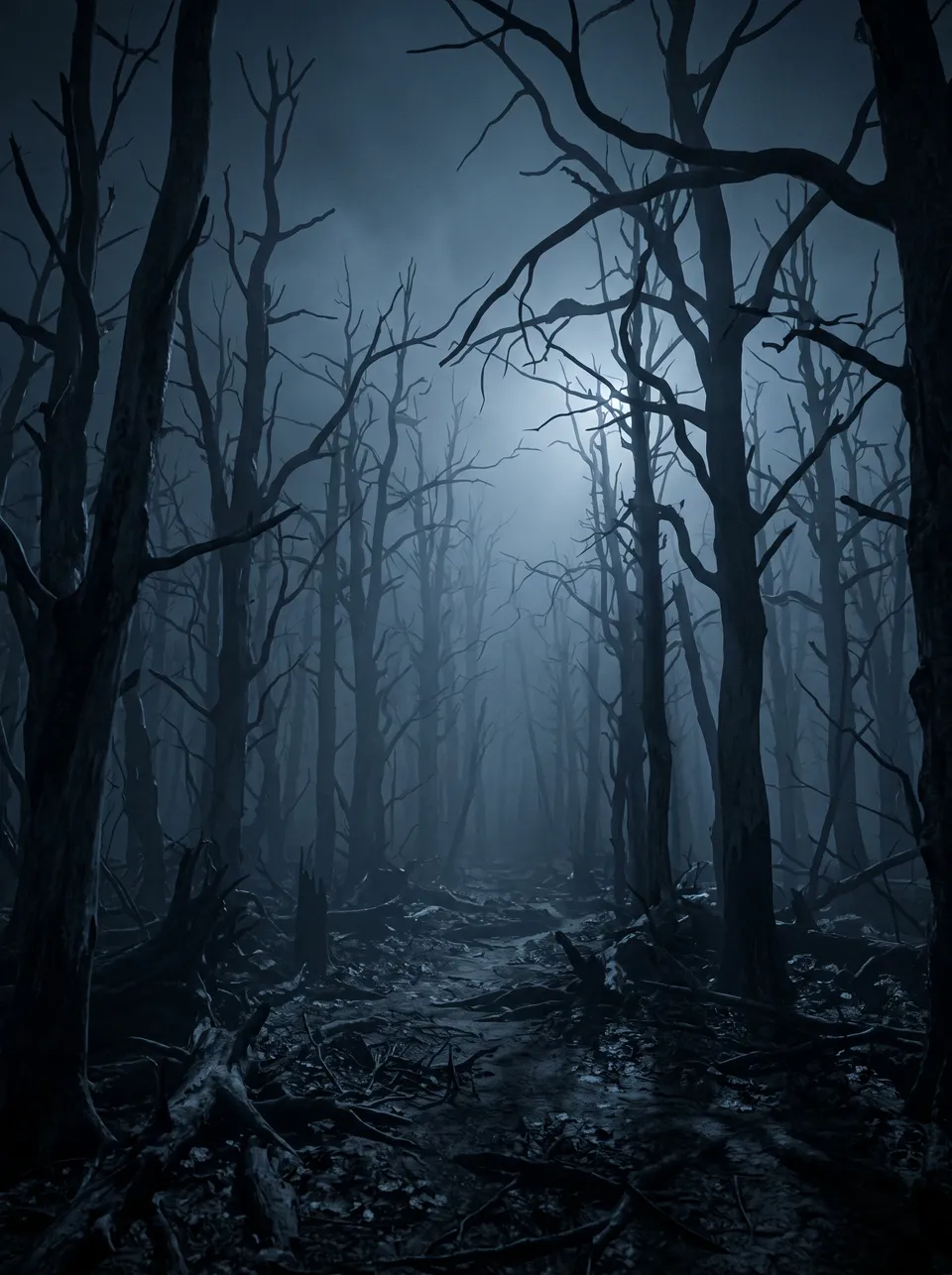 Nano Banana 2
Master shot, the camera drifts slowly forward through a dark blue misty dead forest, bare twisted trees fading into fog, faint cold moonlight, deep shadows, eerie quiet mood, photoreal cinematic look, desaturated blue palette, a 6-second 3:4 clip, no text
Copy promptHow it works
Create an AI video in three steps.
From one typed idea to a clip you can save. Frameo shows the cost before any render begins.
- 01
Describe it
Type your idea or upload a photo in the composer. Say what happens, where and how it should look.
- 02
Generate
Frameo shows the cost, you start the render and it makes your clip. Not right? Change the prompt and run it again.
- 03
Trim and download
Cut it to length, pick 9:16, 1:1 or 16:9 and save the file. It is ready to post.
Questions about creating AI videos
No. Frameo has no trial; you pick a plan (Basic, Starter, Pro or Studio) and credits pay for each render, with the exact cost shown before you start.
Yes. You pick a plan before you make your first video, and payment is part of that step.
See plansYou retain ownership of what you make. The Terms of Use set out the full position.
It depends on the shot. Frameo puts every frontier model on one canvas, such as Seedance 2.5, Kling 3.0 Turbo and Veo 3.1 Fast, so you can pick the one that suits your scene.
Results vary with your prompt and the model you choose. If a clip is not right, you can regenerate it or change the style before you download.
Your first video
Your first video is one prompt away.
Pick a starter or type your own idea. Frameo opens with it filled in, and the exact cost of a render is shown before you start it.