
Generator test card
An AI powered video generator, compared on what it makes.
An AI powered video generator turns a typed idea into video. Frameo is for people weighing tools or looking for an alternative.
Test card
Three tests every generator should pass.
Same method each time: type the prompt, run it, judge the clip.
Typed: A vintage green 4x4 drives a savanna ridge at dusk past a lone acacia tree
Frameo returned a warm dusk drive along a ridge, with the tree in frame.
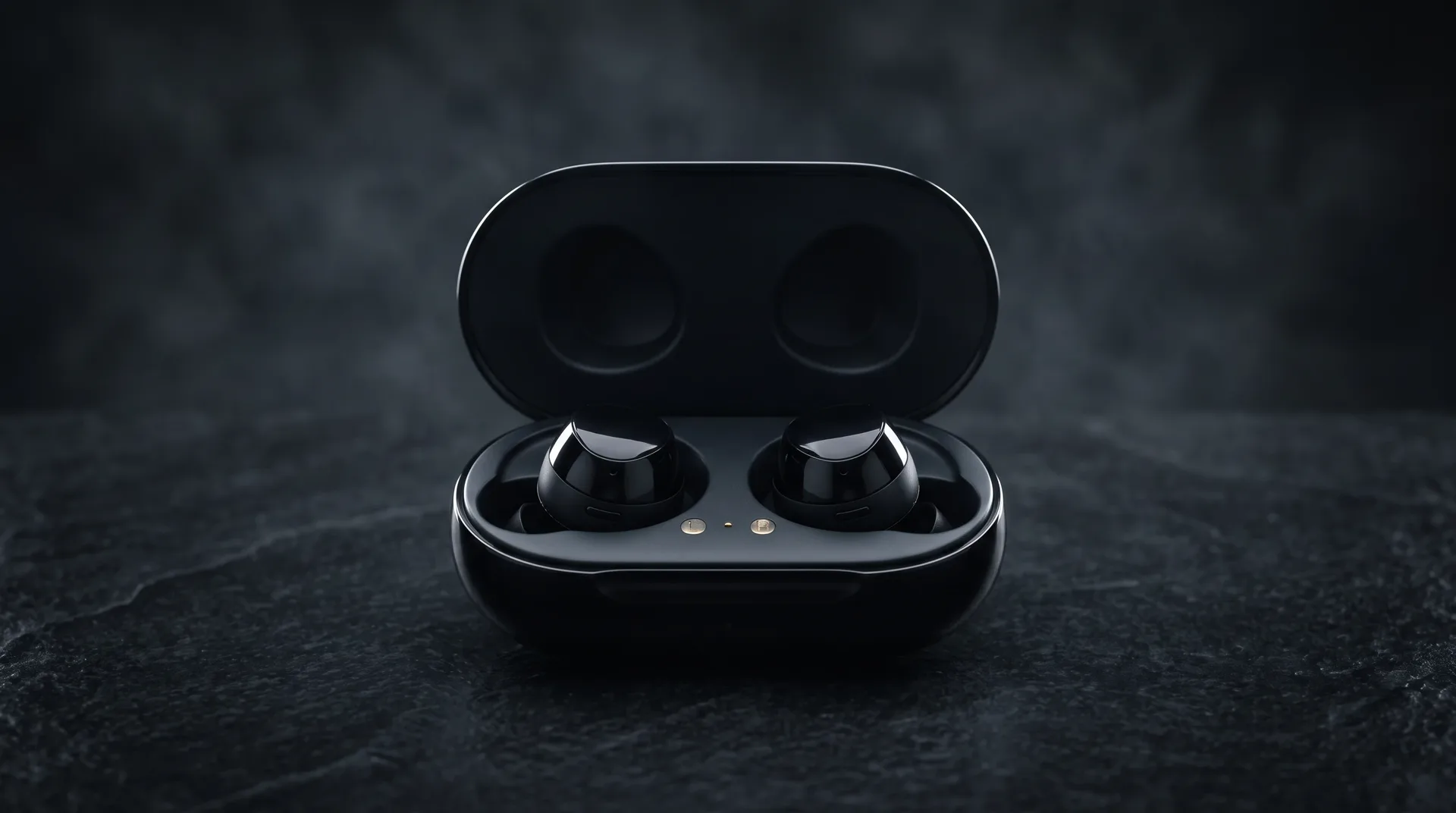
Typed: The case lid pops open and reveals two glossy black earbuds
Frameo returned the product moving, lid open, earbuds in view.
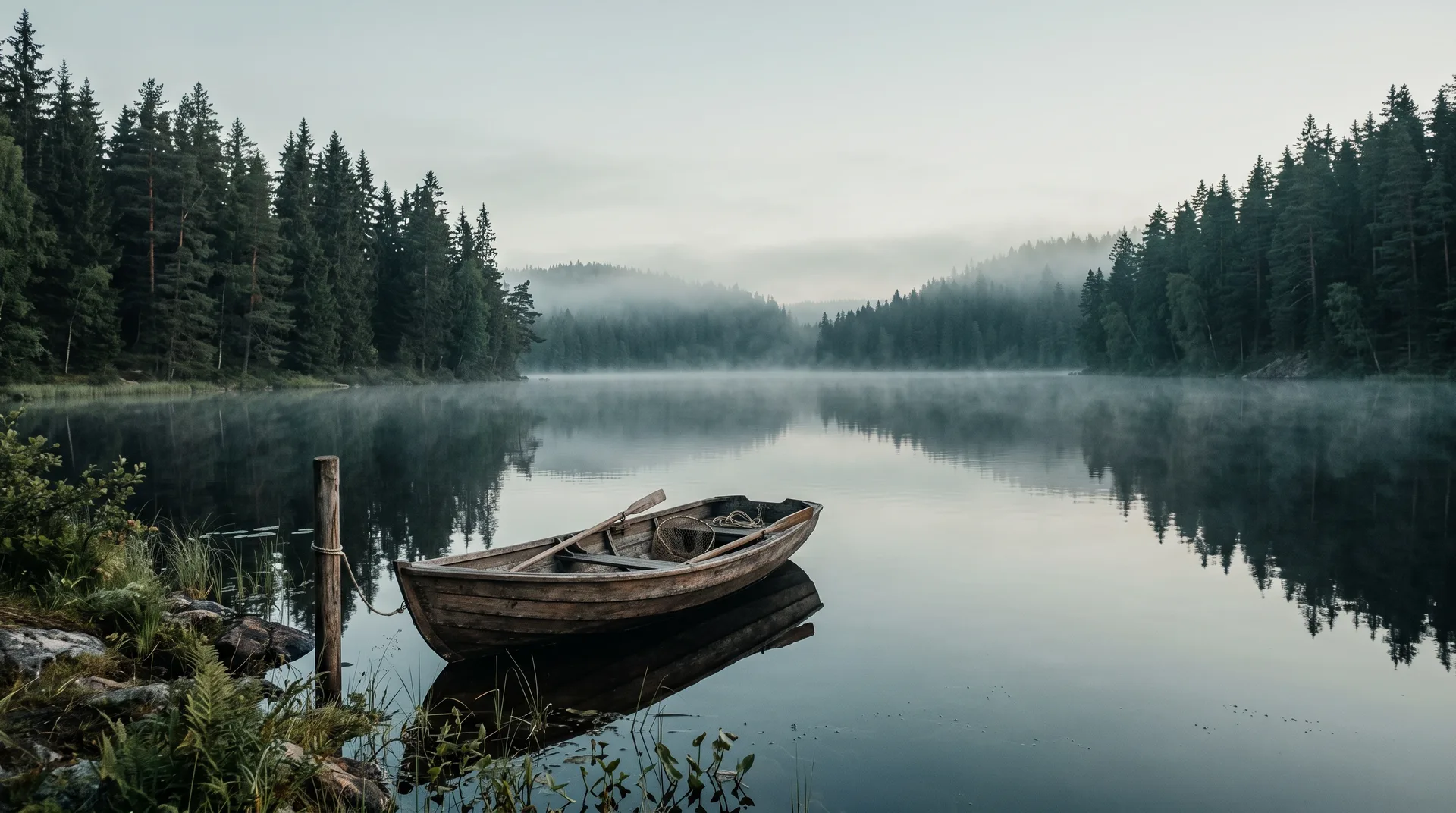
Typed: A voice actor records a read of the script at a studio microphone
Frameo returned a voiced scene: the speaker at the microphone, headphones on.
How it is done
Separate tools today. One canvas with Frameo.
Making a video usually means hopping between apps. Here is the same job, step by step, with and without Frameo.
| Compared | Separate tools today | With Frameo |
|---|---|---|
| Scripting | Write in a writing app, then paste the text into another tool. | Write the idea in the composer. The agent plans the scenes. |
| Shots | Source stock footage or organize a shoot. | Generate each shot from a prompt, with every frontier model in one place. |
| Voice | Record or generate a voice in a separate tool, then bring the file back. | Make the voiceover in the same workspace. |
| Music | Browse a music library and check the licence for each track. | Add music on the same canvas. |
| Edit | Export the clips, open an editor and cut them together. | Edit and assemble on the canvas. |
| Export | Render for each channel, then reformat the cut. | Export from the canvas in the aspect ratio you chose. |
What sits inside one AI video generator.
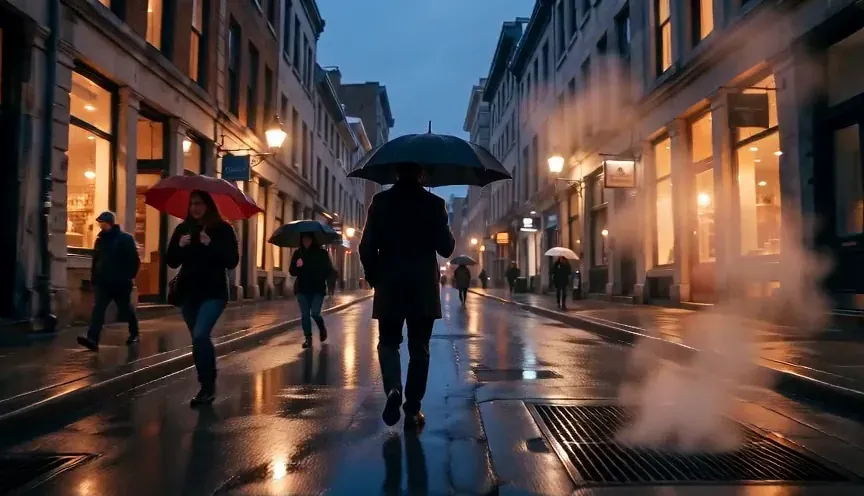 Text to video Type a scene and Frameo generates the shot.
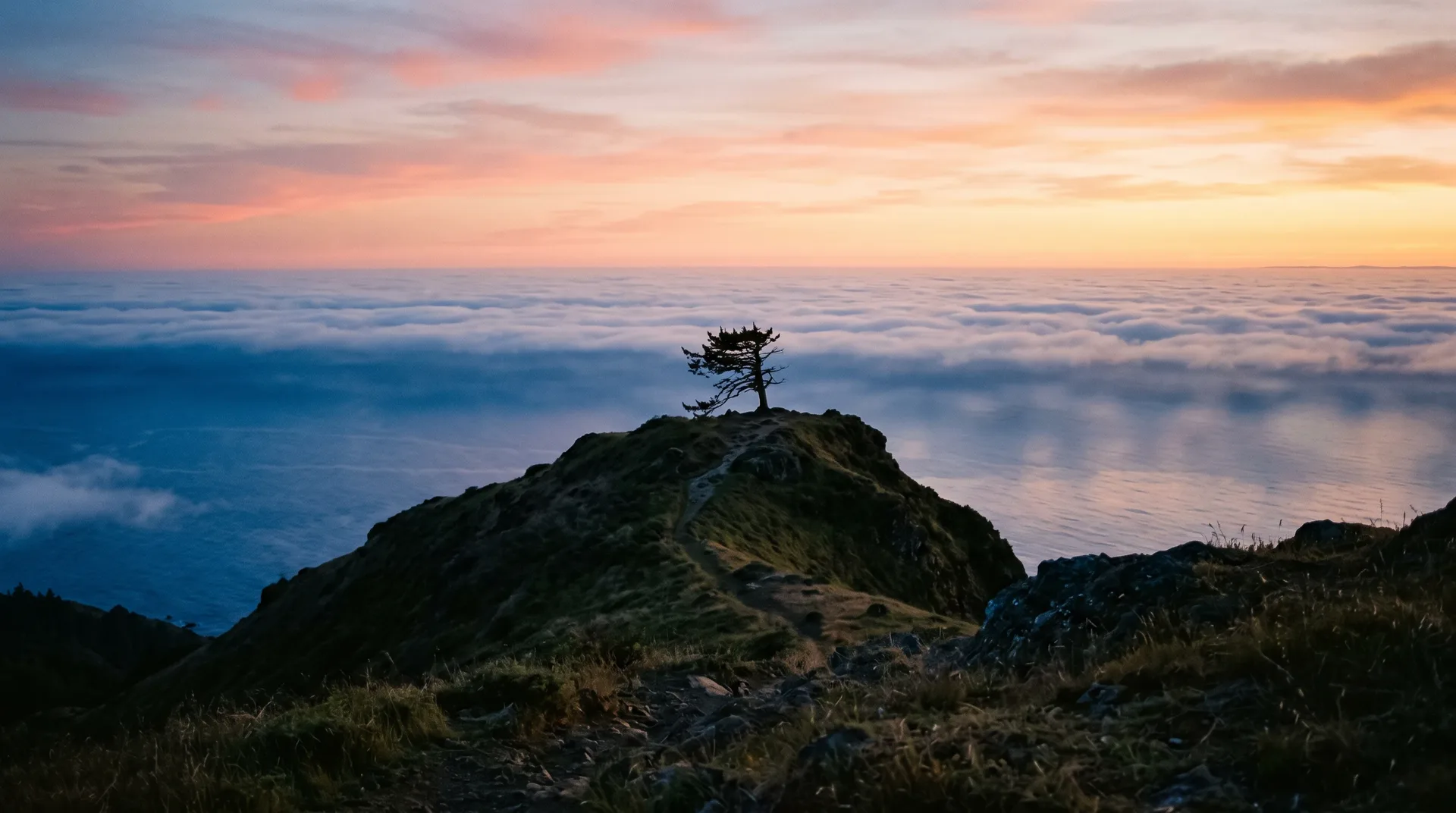 Image to video Start from a still and set it moving.
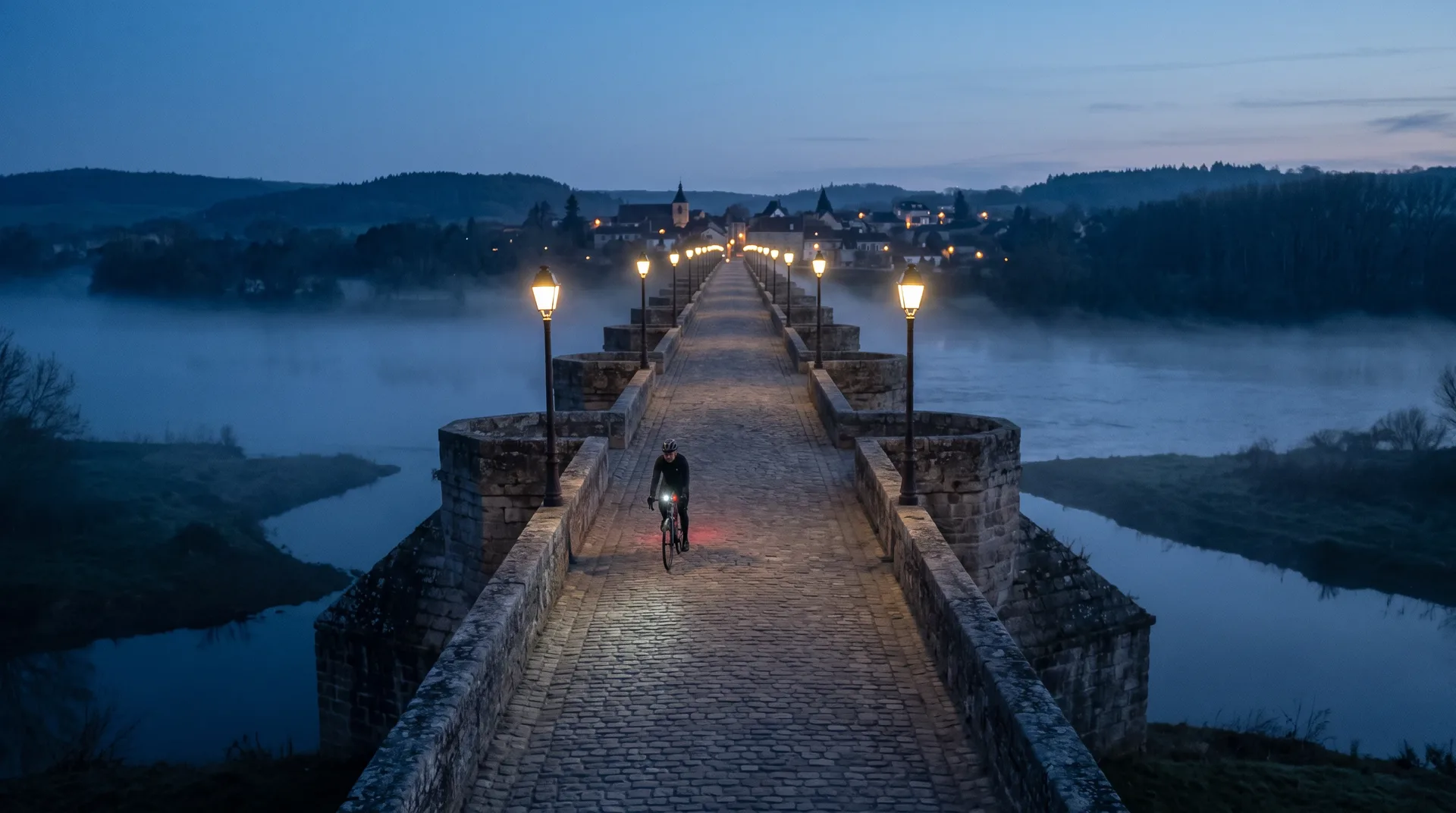 Voiceover Add a spoken read in the same workspace.
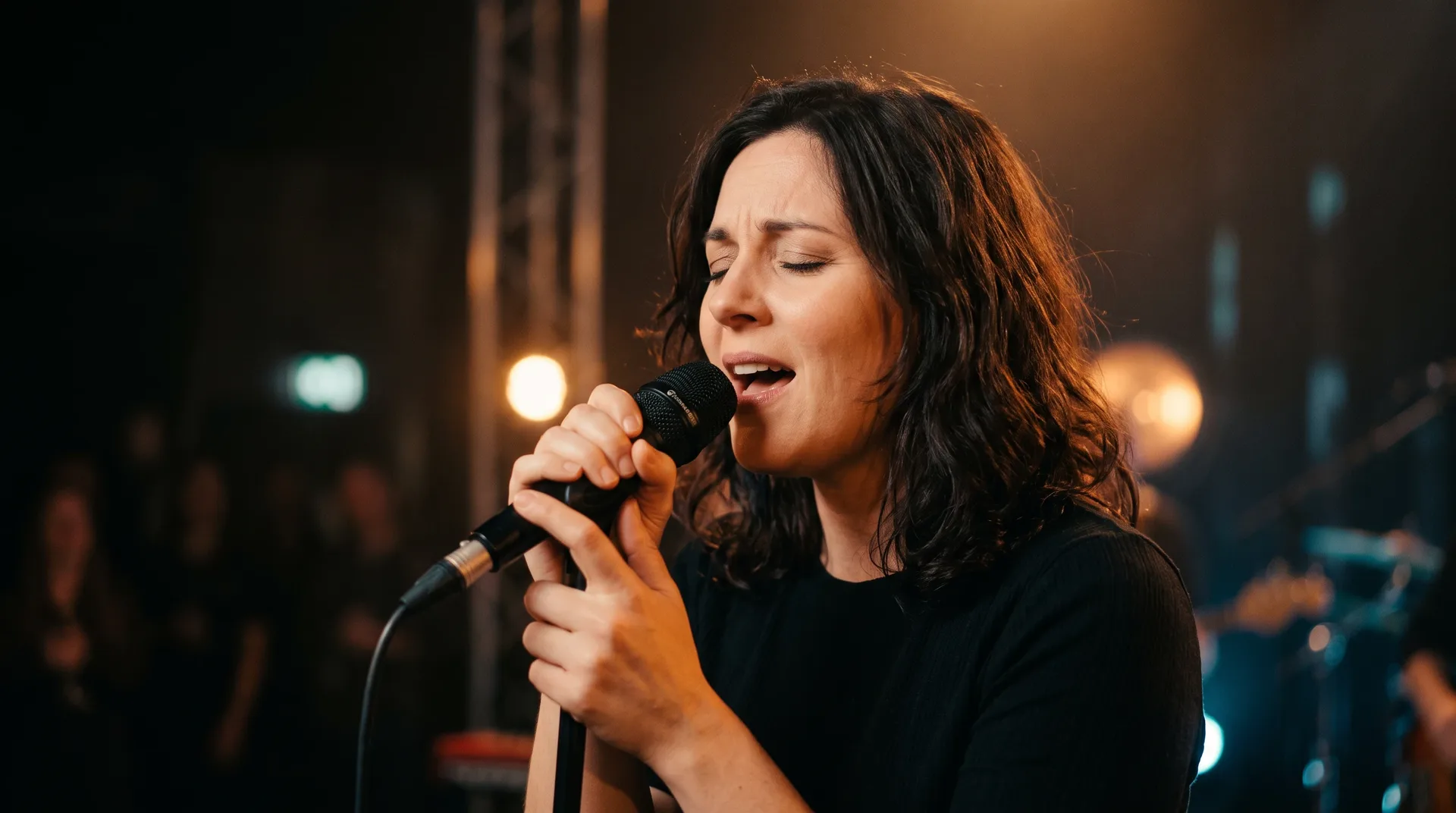 Music Score the video on the same canvas.
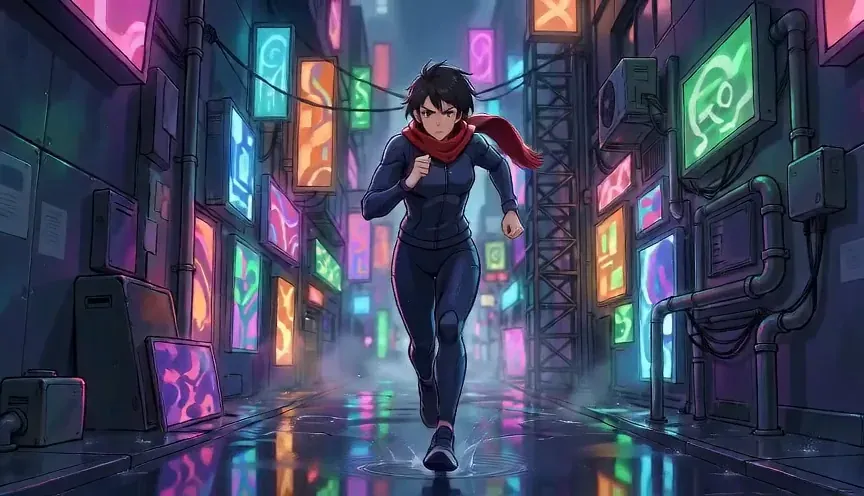 Styles Pick a look: cinematic, anime, clay and more.
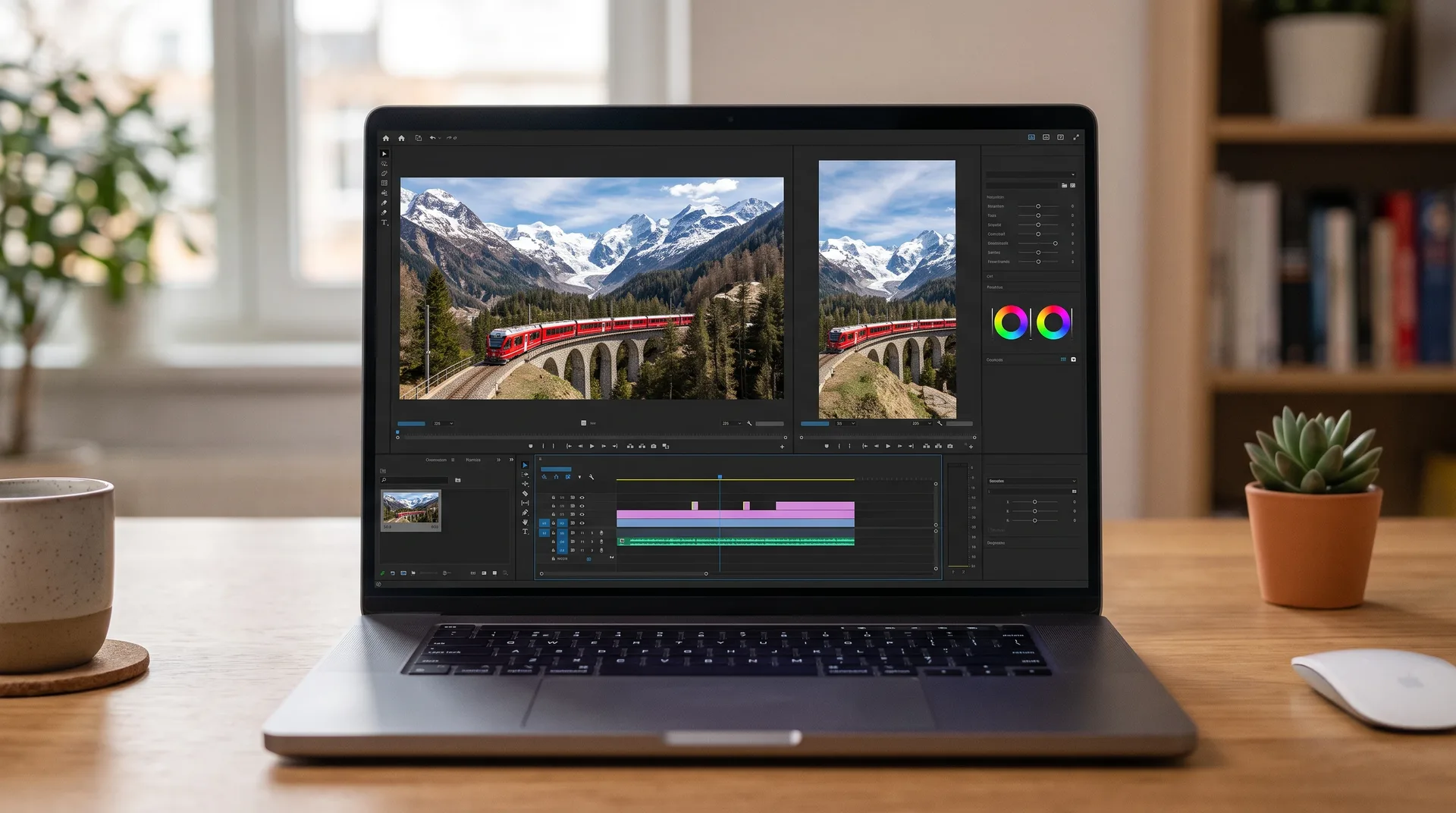 Aspect ratios Choose 9:16 or 16:9 for where it will play.
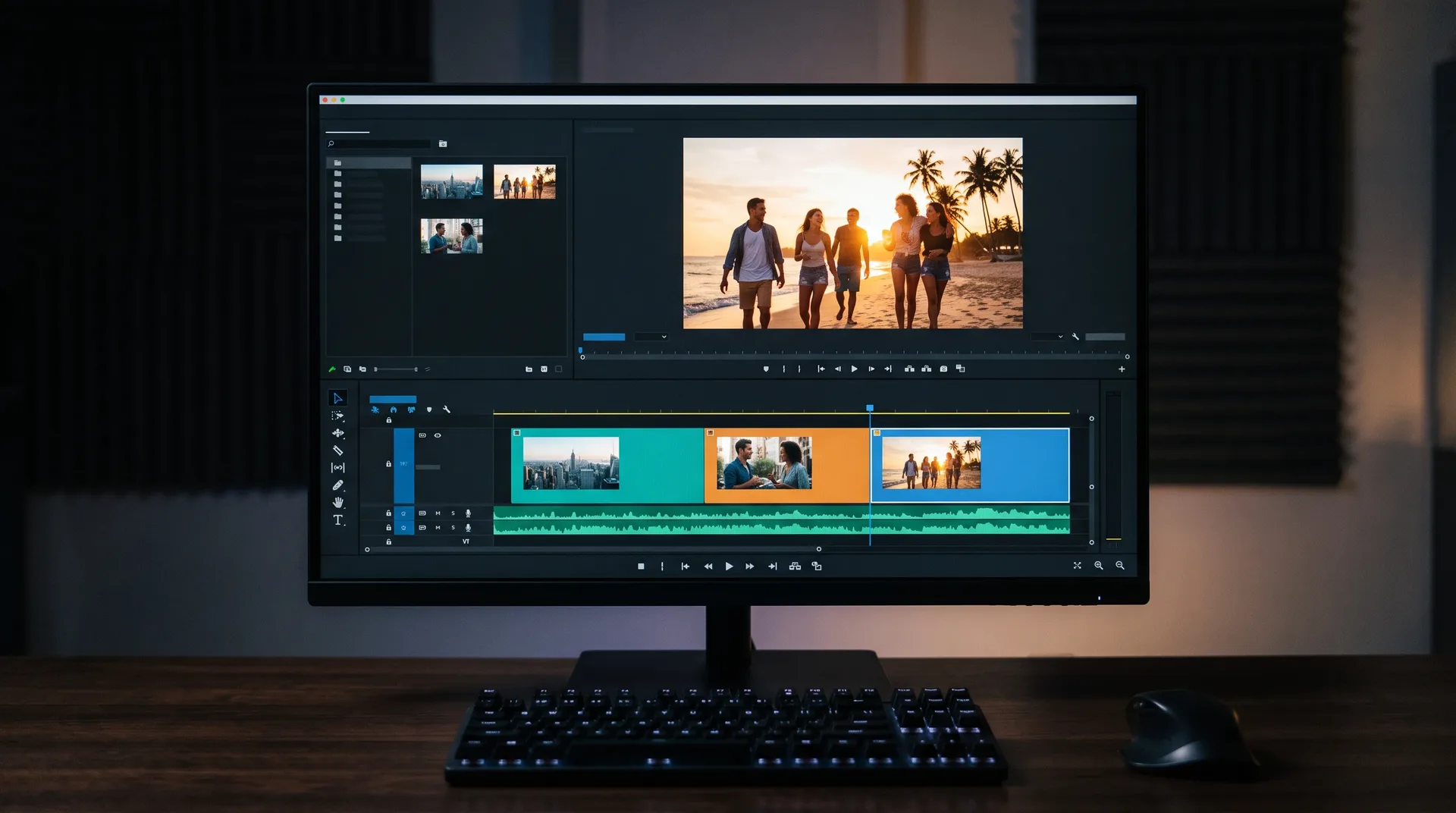 Editing Cut and assemble your shots on the canvas.
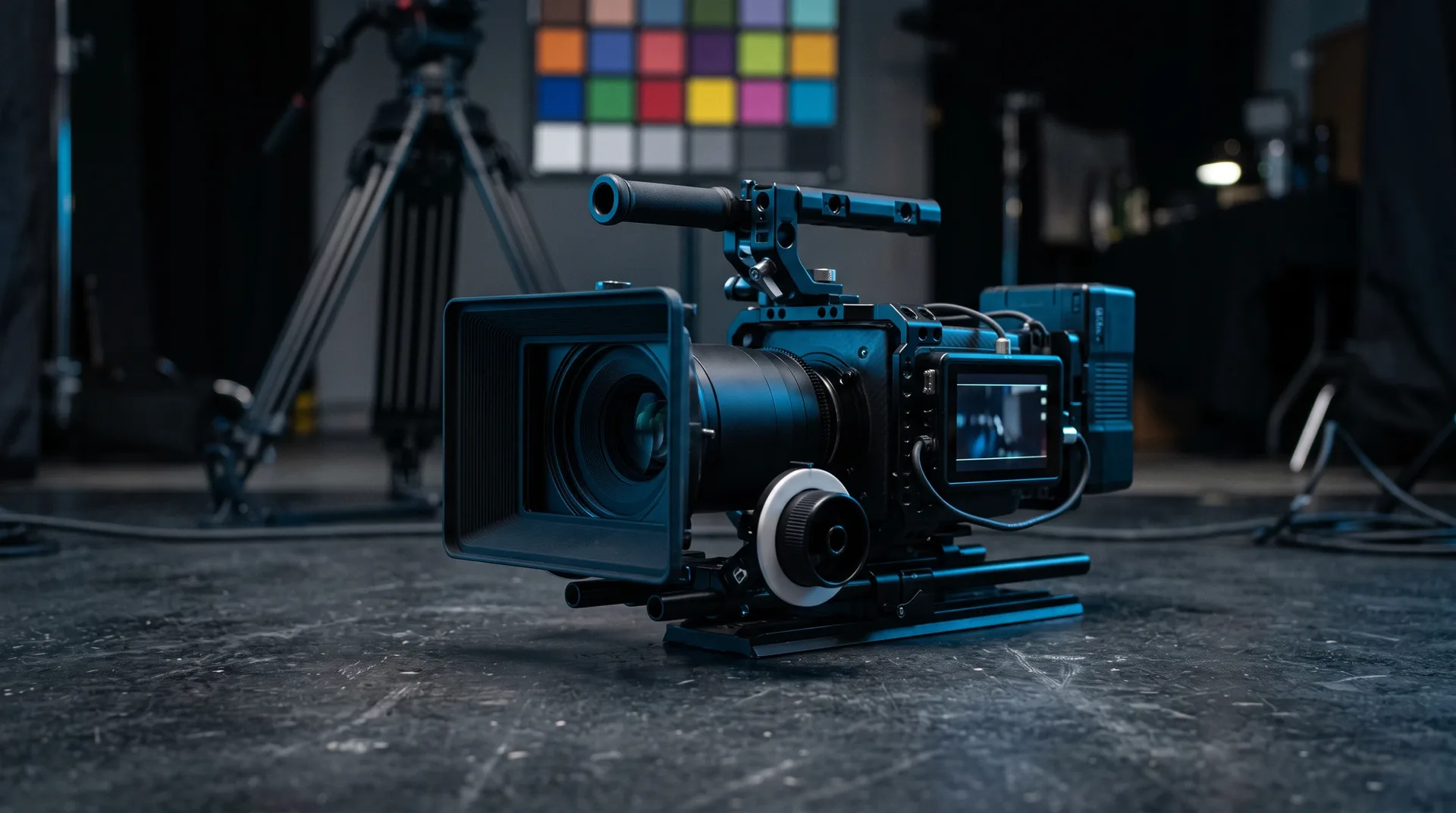 Export Export the finished video from the canvas.
Control the look
One shot, five looks from the same prompt.
Same alley, same figure, same camera move. Only the look changes, so you can judge control over the output.
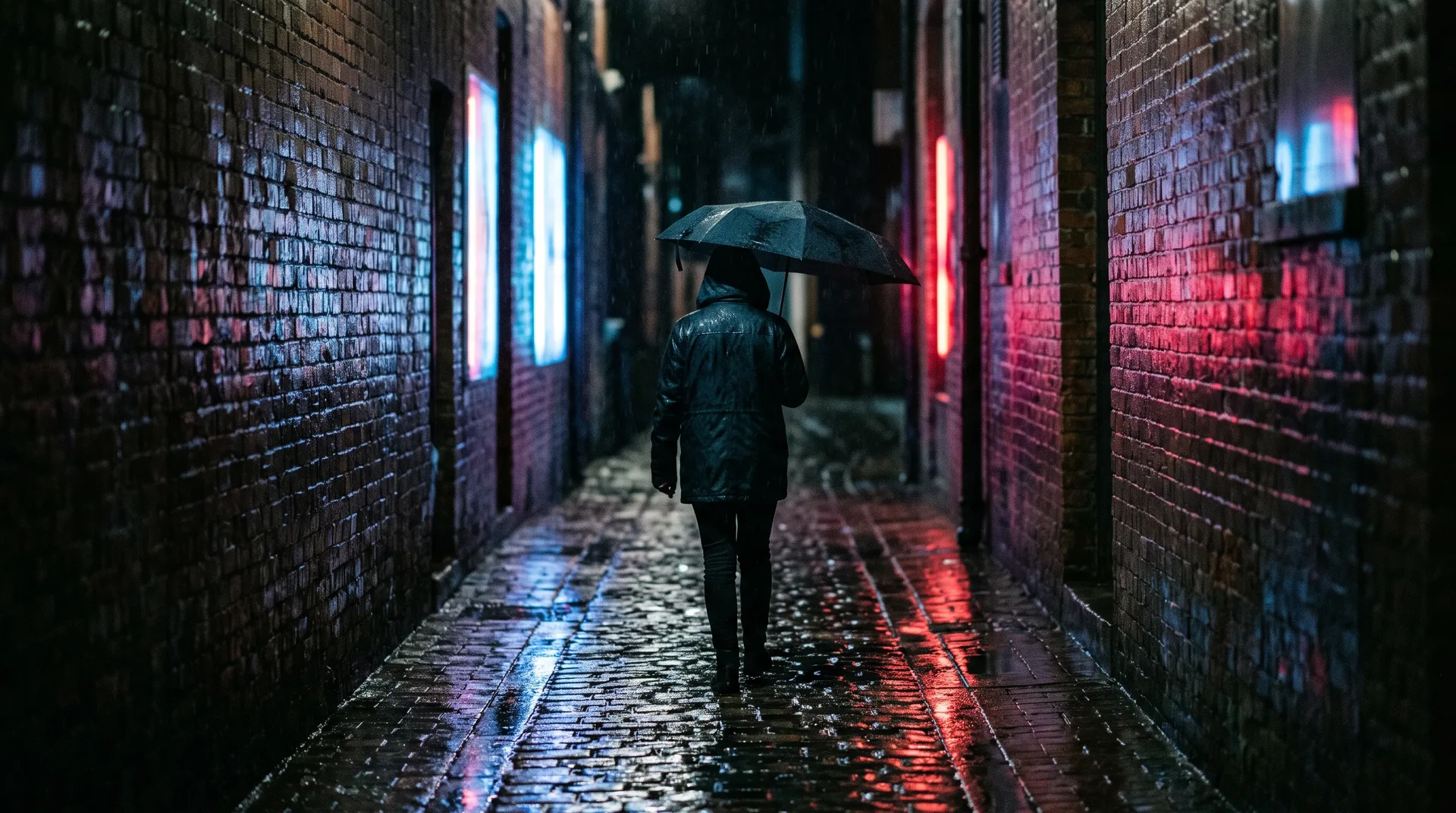
PromptA lone figure walks down a rainy alley at night, neon on wet ground, camera tracking behind, 35mm film look, shallow depth of field, blue and red neon
Real output
Four results, with the exact prompts behind them.
A single wide aerial photo at golden dusk: the view drops through glowing golden clouds toward a coastal ridge with a lone windswept tree on the cliff edge above a calm sea. One frame, sharp focus, no text, no logos, no panels.
Copy promptHandheld shot of a tornado touching down over a golden wheat field under a storm-teal sky, wheat whipping hard in the wind, dust and debris spiralling, shaky documentary sway. Dark teal clouds with a thin gold light line on the horizon, photoreal, no people, no text. 5-second 3:4 clip.
Copy promptLow angle looking across an empty cracked salt flat under a pale sky, the camera dollying steadily forward at walking pace just above the ground, white polygon cracks streaming past toward a distant hazy horizon. Flat soft daylight, bleached palette, photoreal, no people, no text. 5-second 3:4 clip.
Copy promptDolly out from a lone warrior in dark armour standing on a stone bridge between roaring waterfalls and floating rocks, cape snapping in the wind, mist rising. Dramatic fantasy trailer, shafts of golden light through clouds, rich teal and gold palette, no text. 5-second 3:4 clip.
Copy promptQuestions about AI powered video generators
Frameo is an AI video production platform: it generates, edits and assembles films, ads and social videos on one canvas. Every frontier model is in one place, so you pick the one that suits the shot.
You retain ownership of what you make. The Terms of Use set out the full position.
You pick the aspect ratio, such as 9:16 or 16:9. Lengths depend on the model you choose, and the exact cost of a render is shown before you start it.
Type an idea in the composer, or ask from your AI assistant through the MCP server. Credits pay for generation, not seats, and the plans page shows what each one includes.
See plansYour turn
Test it with your own idea.
Run the same three checks on your own work and judge the clip.